Grok-Style Profile Picture for X
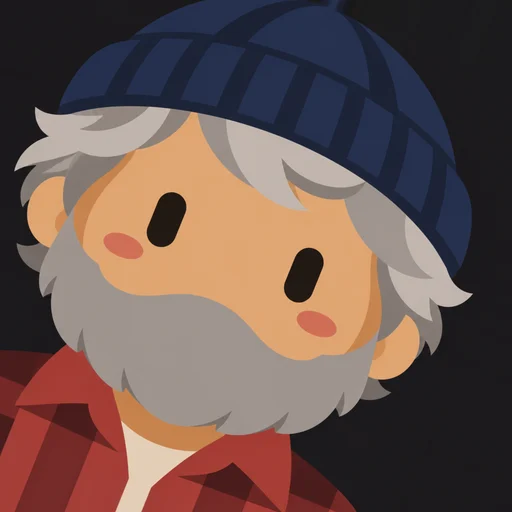
The capsule-eye bot PFP is one of the most recognizable looks on X right now. Make your own version from a photo in under a minute.
Avatars are centered for X’s circular crop and exported at 512×512, comfortably above X’s recommended 400×400.
1 free avatar when you sign up · no card required


How to set it on X
- Download your avatar PNG
- On X, open your profile and choose Edit profile
- Tap your current photo and upload the new PNG
- Adjust the crop if needed and save
Match your header
Choose a background that complements your banner. Charcoal and cream are the most popular for X.
How it works
- 1
Upload a photo
One clear face works best.
- 2
Pick a background
Six flat colors to choose from.
- 3
Choose an angle
Lean left, straight or lean right.
- 4
Download
A crisp 512×512 PNG.
FAQ
What size should an X profile picture be?
X recommends 400×400 pixels. Our 512×512 PNG scales down cleanly.
Will it look sharp?
Yes. Flat vector-style art stays crisp when X compresses and resizes it.