New Three angles from every photo
Grok Bot Icon
Generator
Turn a selfie into a flat, capsule-eyed bot PFP that still looks like you. For X, Discord, Grok bots and AI agents. Ready in under a minute.
First avatar free, no card required
Grok bot icon examples
Hair, skin tone, glasses, beards and clothing carry over. Everything else gets simplified into one clean, consistent look.
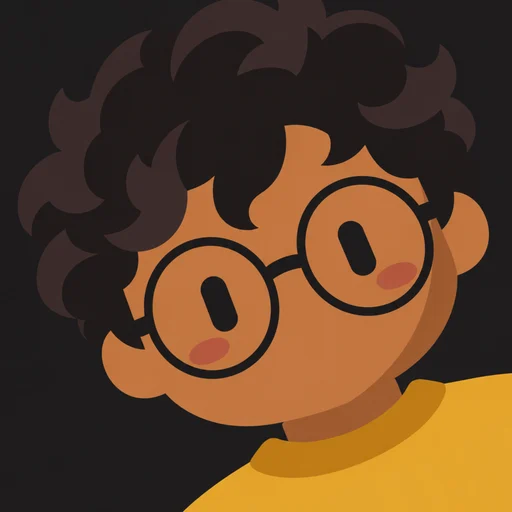
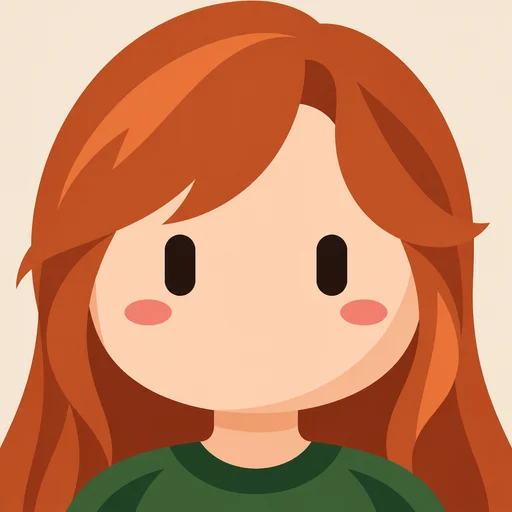
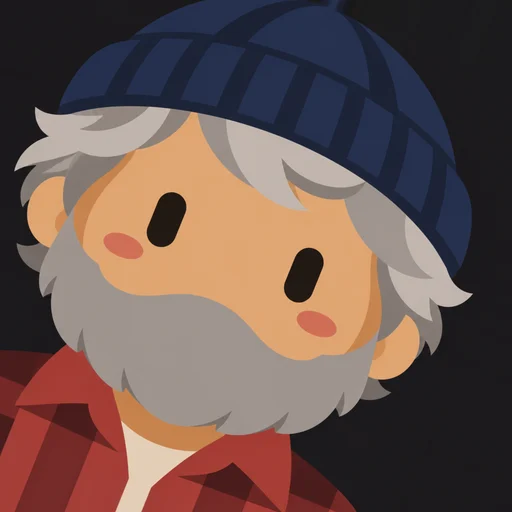
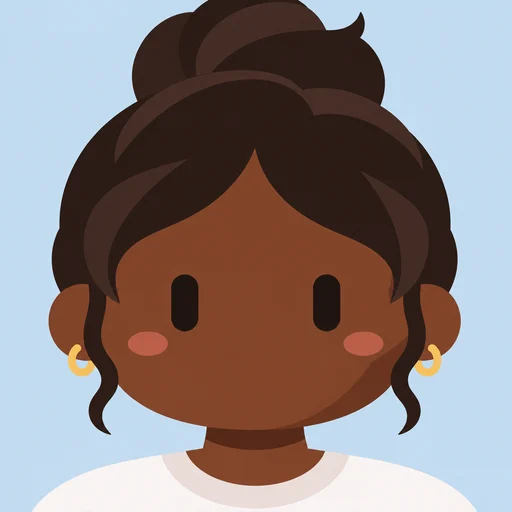
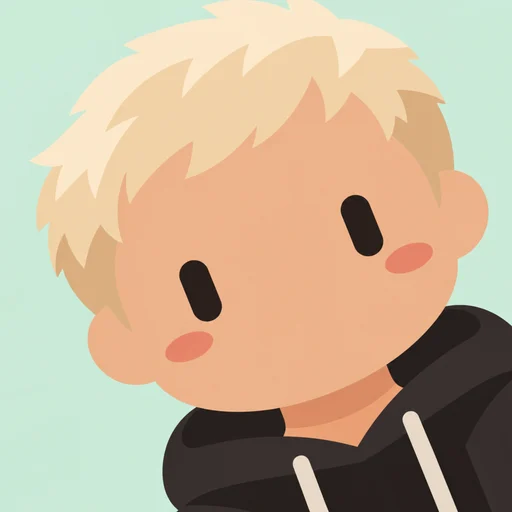
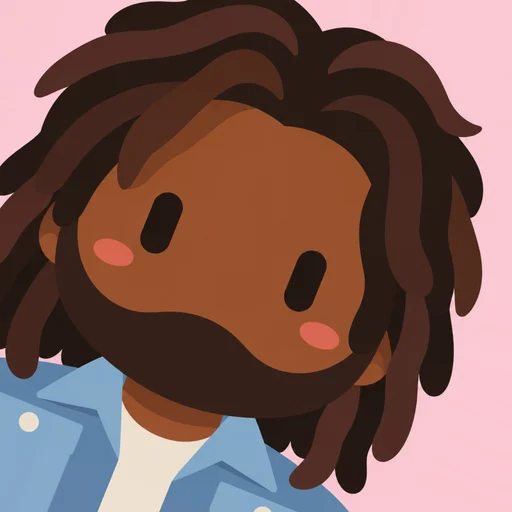
Examples show fictional people. See the gallery →
What is a Grok bot icon?
A Grok bot icon (also written “Grokbot icon” or called a Grok bot PFP) is the minimalist bot-style avatar you see on Grok bots and across X: an oversized round head, two solid black capsule eyes, soft blush, flat colors and no mouth. People use it as a profile picture because it’s cute, instantly recognizable, and still looks like them.
Our Grok bot icon generator turns any photo into that look. It keeps your hairstyle, hair color, skin tone, beard, glasses and clothing, and simplifies everything else into the clean collectible style.
Why use this generator
- Consistent style: a prompt tested across many faces, skin tones and hairstyles, so results stay on-model.
- Three angles included: lean left, straight or lean right, all from one avatar.
- Fast: usually 15–40 seconds.
- Free retry: if something looks off, redraw it from the same photo at no cost.
- Private: photos are deleted automatically after 7 days.
Made for every bot profile
Use your icon on X, Discord, Slack, Telegram and GitHub, or make icons for Grok bots you build, AI agents, or a whole team.
How it works
- 1
Upload a photo
A clear, well-lit photo of one face works best.
- 2
Pick a background
Charcoal, Cream, Soft gray, Pastel blue, Pastel pink, Pastel mint.
- 3
Choose an angle
Lean left, straight or lean right. All three are included.
- 4
Download
A crisp 512×512 PNG, ready for any profile.
Simple pricing
Start free, then buy a small pack only if you want more. No subscription, credits never expire.
Starter
$2.99
3 avatars · $1.00 each
You, plus a couple of tries with different photos or backgrounds.
Buy StarterPlus
$6.99
10 avatars · $0.70 each
Enough for every background, or for a friend or two.
Buy PlusQuestions
How does it work?
Upload a clear photo, pick a background, and we turn it into a flat, minimalist avatar with capsule eyes. It usually takes 15–40 seconds. Each avatar comes in three angles: leaning left, straight and leaning right.
Is it really free to try?
Yes. Create an account with your email and you get 1 free avatar. No card needed.
What photo works best?
One person, face clearly visible, good light, looking roughly at the camera. In group photos we draw the most prominent person; cropping to one face works best.
What do I get?
A 512×512 PNG in your choice of angle, sized for X, Discord, GitHub, Slack, Telegram and AI agent profiles. You can re-download any angle from your history at no cost.
What does a credit cost?
One credit makes one avatar, including all three angles. Packs start at $2.99 for 3. If a generation fails, the credit goes back to your balance automatically.
What if my avatar doesn’t look right?
Use “Try again” on the result and tell us what looks off. We redraw it from the same photo for free. If it’s still not right, email us and we’ll help.