Turn Your Photo into a Grok Bot
Want to see yourself as a Grok bot? Upload a clear photo and we convert it into the minimalist bot style: big round head, capsule eyes, flat colors.
It works best with one face, good light and the camera at eye level, but most everyday selfies work fine.
1 free avatar when you sign up · no card required


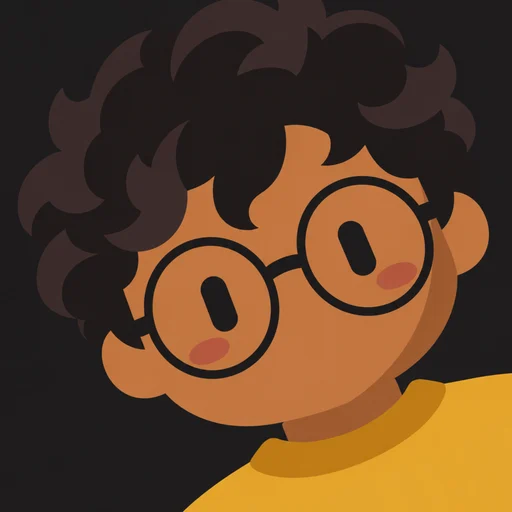
How to turn a photo into a Grok bot
- Upload a JPEG, PNG or WebP photo
- Choose a background color
- Wait about 20 seconds while it draws
- Pick an angle and download your PNG
Group photos
If more than one person is in the shot, we draw the most prominent face. For the best result, crop to one person before uploading.
Old photos work too
Scans and older photos are fine as long as the face is clear and reasonably lit. Avoid heavy filters, which can shift skin tone and hair color.
How it works
- 1
Upload a photo
One clear face works best.
- 2
Pick a background
Six flat colors to choose from.
- 3
Choose an angle
Lean left, straight or lean right.
- 4
Download
A crisp 512×512 PNG.
FAQ
What photo works best?
One person, face clearly visible, even lighting, looking roughly at the camera. Sunglasses and heavy filters reduce accuracy.
Can I turn an old photo into a Grok bot?
Yes. Any clear photo works, including scans, as long as the face is visible.