Twitch PFP Maker for Streamers
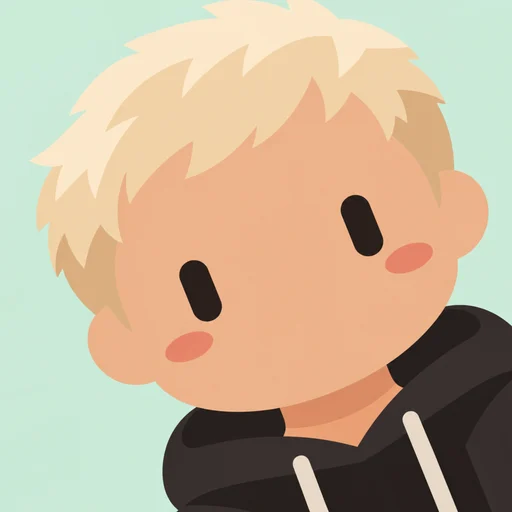
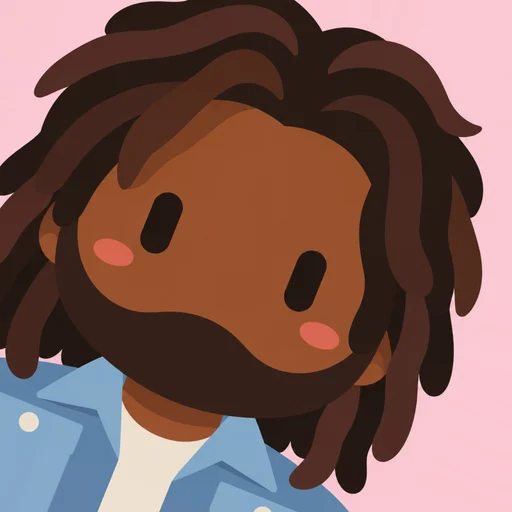
A streamer’s profile picture is a brand: it shows up in the directory, in raids, in chat and on every clip. A bot-style avatar of you is cute, memorable and easy to reuse across platforms.
Pair it with a matching icon for your chat bot and avatars for your mods, and your channel looks designed.
1 free avatar when you sign up · no card required

Branding ideas
- Match the background to your channel colors
- Use lean left and lean right versions for overlays and panels
- Give your chat bot its own avatar in the same style
- Make matching mod avatars as a community perk
Reusing it across platforms
The same avatar works on Twitch, YouTube, X, Discord and TikTok, so your audience recognizes you everywhere.
How it works
- 1
Upload a photo
One clear face works best.
- 2
Pick a background
Six flat colors to choose from.
- 3
Choose an angle
Lean left, straight or lean right.
- 4
Download
A crisp 512×512 PNG.
FAQ
What size is a Twitch profile picture?
Twitch uses square profile images shown as circles. A 512×512 PNG works well.
Can I use it in my stream overlay?
Yes. You can use avatars you create in overlays, panels and emotes-style graphics, subject to our terms.