GitHub Avatar Generator
Your GitHub avatar appears on every commit, pull request, review and issue comment, often at just 20–40 pixels. Flat bot-style avatars stay recognizable at that size while still looking like you.
It’s also a nice middle ground for developers who don’t want a real photo online but want more personality than a default identicon.
1 free avatar when you sign up · no card required
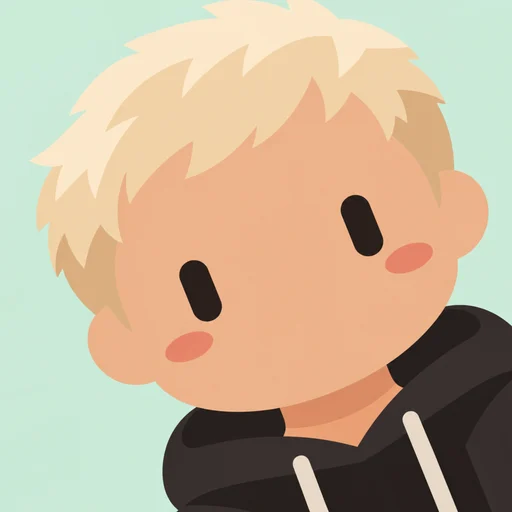

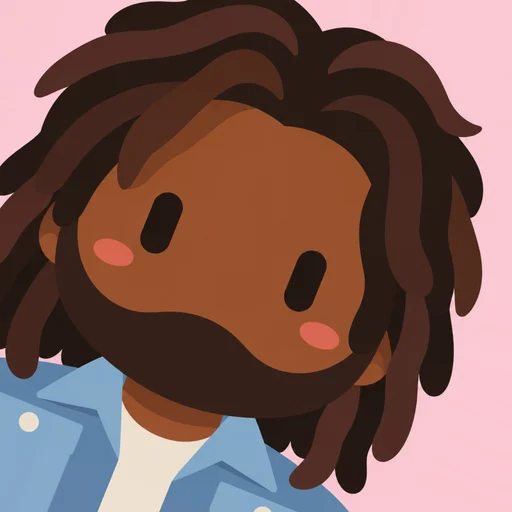
Why developers like bot-style avatars
- Recognizable in tiny commit and review lists
- Privacy-friendly: looks like you without being a photo
- Fits the AI and agent era of software
Organization and bot accounts
Make icons for your organization’s bot accounts, CI bots, or AI coding agents so they’re instantly distinguishable from human contributors in a PR thread.
Setting it on GitHub
Go to Settings → Public profile, click Edit under your picture, and upload the PNG. GitHub shows avatars as circles, so the centered composition works well.
How it works
- 1
Upload a photo
One clear face works best.
- 2
Pick a background
Six flat colors to choose from.
- 3
Choose an angle
Lean left, straight or lean right.
- 4
Download
A crisp 512×512 PNG.
FAQ
What size is best for a GitHub avatar?
Use a square image. GitHub displays avatars up to about 460px, so a 512×512 PNG is plenty.
Can I make one for an organization?
Yes. Make matching avatars for each team member in your organization’s color.