The Grok Bot Icon Prompt, Explained
Lots of people try to recreate the Grok bot look with a general image model. It can work, but results drift: mouths creep back in, gradients appear, and the face turns into a realistic portrait.
Here are the ingredients that matter, plus why a tuned generator gets there faster.
1 free avatar when you sign up · no card required
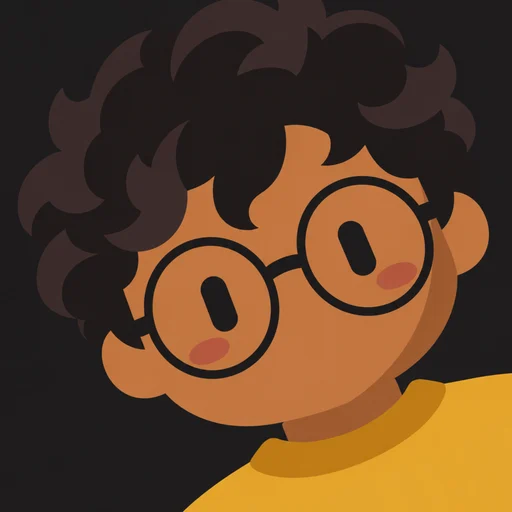
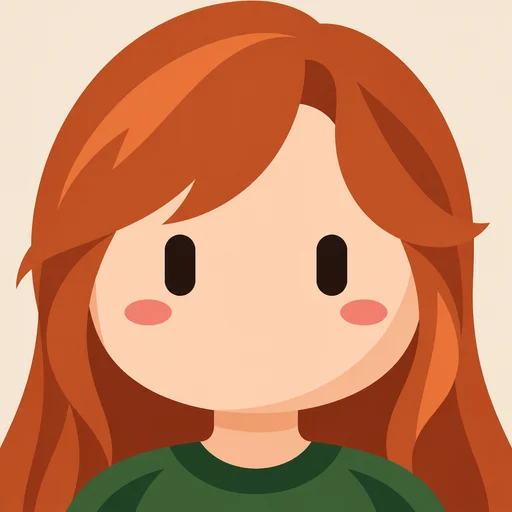
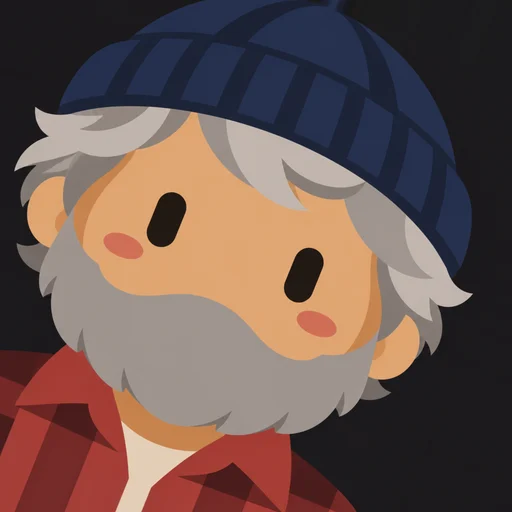
What a good prompt specifies
- A square, flat 2D vector style with solid fills and no outlines
- An oversized rounded head that fills most of the frame
- Exactly two near-black vertical capsule eyes and two small blush marks
- No nose, mouth or eyebrows
- Hair, skin tone and clothing copied from the reference photo
- A solid, uniform background color
Where DIY prompts go wrong
- Telling a model “no mouth” often makes it draw one: describe what is there instead
- Fixed skin colors in prompts lighten darker skin tones
- Long negative lists get ignored
- Every run looks different, so a set never matches
The easier way
Our generator uses a prompt we tested across many photos, skin tones and hairstyles, then applies angles and framing consistently. Upload a photo and skip the trial and error.
How it works
- 1
Upload a photo
One clear face works best.
- 2
Pick a background
Six flat colors to choose from.
- 3
Choose an angle
Lean left, straight or lean right.
- 4
Download
A crisp 512×512 PNG.
FAQ
Can I use ChatGPT or Grok to make one?
You can try. Expect several attempts per image and inconsistent results. A dedicated generator is faster and more consistent.
Do I need to write a prompt here?
No. Upload a photo, choose a background and angle, and download.