Telegram Avatar Maker
Telegram shows avatars as small circles next to every message, in chat lists and in group member lists. A flat, high-contrast bot avatar stays readable at those sizes in a way a busy photo doesn’t.
Make one for your personal account, for a Telegram bot you run, or a matching set for a group’s admins.
1 free avatar when you sign up · no card required
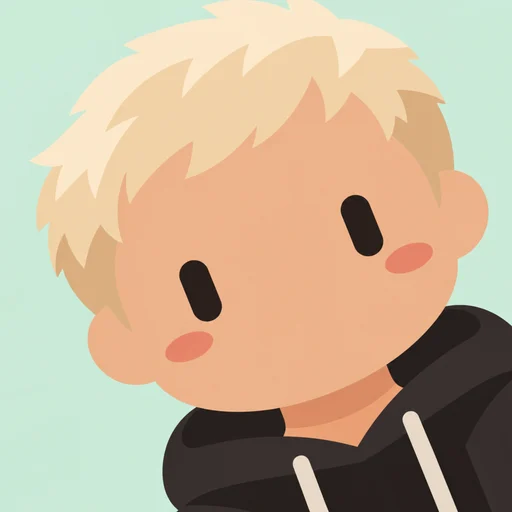
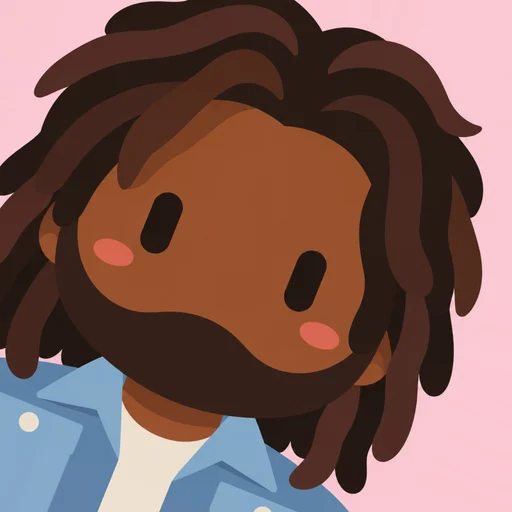

For your Telegram bot
Telegram bots get their profile picture through @BotFather. Generate an avatar from a reference photo of a person, download the PNG, and upload it as the bot’s picture. The capsule-eye style signals “bot” at a glance, which helps users tell your bot apart from people in a group.
Looks good in light and dark themes
- Charcoal stands out in Telegram’s light theme
- Cream and pastels pop in the dark theme
- Solid backgrounds avoid ugly edges in the circle crop
Group admin sets
Give every admin or moderator an avatar in the same background color so members can spot them instantly.
How it works
- 1
Upload a photo
One clear face works best.
- 2
Pick a background
Six flat colors to choose from.
- 3
Choose an angle
Lean left, straight or lean right.
- 4
Download
A crisp 512×512 PNG.
FAQ
What size should a Telegram avatar be?
Telegram accepts square images and displays them as circles. Our 512×512 PNG is a comfortable size that stays sharp.
Can I use it as a sticker?
The avatars are static PNGs designed as profile pictures. You can use them in sticker tools, but we don’t create sticker packs yet.